

25 Best WhatsApp Broadcast Software for Bulk WhatsApp Messaging

Team YCloud
·
March 11, 2026
·
39 min read
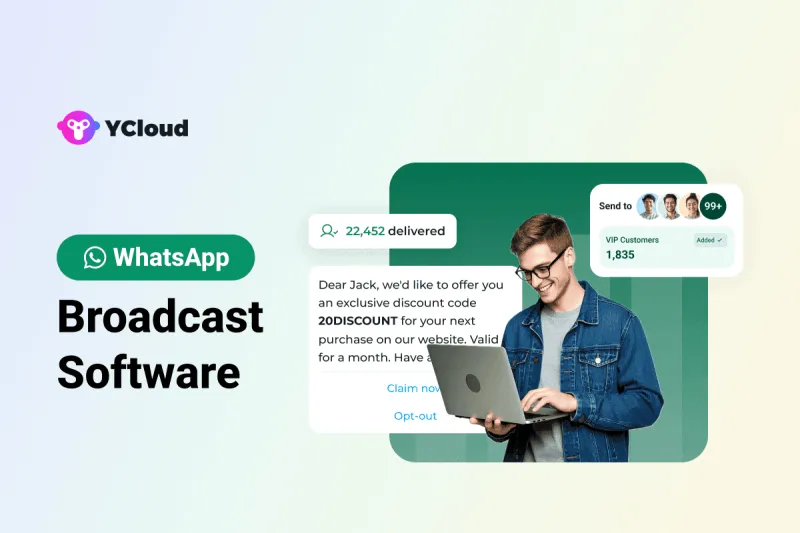
What is WhatsApp Broadcast Software and Why Businesses Need One?
Beyond just sending messages, the right software also helps with:
- Personalization at scale to avoid sounding like spam
- Compliance with WhatsApp’s policy so you don’t risk number bans
- Tracking delivery, reads, and replies for better engagement
- Automating follow-ups to turn conversations into conversions
Is Bulk WhatsApp Broadcast Software Legal?
YES! But only if you use it the right way...!
Sending bulk WhatsApp broadcast messages can either grow your business or get your account banned, depending on how you leverage it.
Here’s the simple truth:
- Official WhatsApp Business API tools (like YCloud, Wati, Gupshup, etc.) are fully legal. They connect directly with Meta, follow WhatsApp’s compliance policies, and let you send large-scale broadcasts safely.
- Unofficial third-party tools or browser extensions often bypass WhatsApp’s policies. They may seem cheaper at first, but they put your business at risk of restrictions, permanent bans, and even data privacy issues.
Things You Should Know Before Sending Bulk WhatsApp Broadcast Messages
✅ 1. Business Verification is Non-Negotiable
- Without verification: You’re stuck at the lowest messaging limits, with little trust from customers.
- With verification: You unlock higher messaging tiers, improve brand credibility, and reduce the risk of restrictions.
✅ 2. Understand Messaging Tiers
Tier | Daily Unique Limit | Best For |
Tier 1 | 1,000 users/day | Startups testing campaigns |
Tier 2 | 10,000 users/day | Growing businesses expanding reach |
Tier 3 | 100,000 users/day | Mid-to-large enterprises scaling fast |
Tier 4 | Unlimited | Global enterprises with heavy campaigns |
✅ 3. How to Move Up Tiers (Quality Signals)
- Opt-ins: Only message customers who’ve explicitly agreed to hear from you.
- Template quality: Use approved templates with clear, relevant copy that doesn’t feel like spam.
- Low complaints: High block or report rates slow down your growth.
- Positive engagement: Better reply rates and fewer complaints = faster upgrades.
✅ 4. Timing and Frequency Matter
- Choose customer-friendly hours based on your market.
- Space out promotions and mix in useful updates (reminders, confirmations, alerts).
- Respect customer attention, quality over quantity wins.
✅ 5. Track, Learn, and Adjust
- Monitor delivery & read rates to check reach.
- Track response patterns to improve timing and content.
- Optimize continuously to keep engagement high and costs low.
⚠️ Common Mistakes to Avoid
- ❌ Buying bulk phone number databases (high ban risk).
- ❌ Using cracked or unofficial bulk senders.
- ❌ Messaging users without consent.
- ❌ Copy-pasting the same promo repeatedly.
- ❌ Ignoring metrics like read rate and block rate.
How Do You Move Up Different Messaging Tiers?
✅ 1. Quality Rating of Your API Number
- Too many blocks or reports → your rating drops, and Meta slows you down.
- Positive engagement (reads, replies, low complaints) → your rating stays high, and Meta rewards you with more reach.
✅ 2. Phone Number Status
- Connected → Everything is stable, safe to scale.
- Flagged → Triggered by complaints or low quality. You have 7 days to fix this, or your limits shrink.
- Restricted → Outbound messaging is blocked. You can only reply to incoming chats until quality improves.
✅ 3. Bulk WhatsApp Messaging Charges
WhatsApp now bills per message instead of per conversation.
- User-initiated chats are cheaper.
- Business-initiated chats (like promotions or re-engagement) cost more, so make them count.
Disclaimer: The references to software ratings, available features, and pricing were valid at the time of writing this article, but could be subject to change in the future.
Best WhatsApp Broadcast Software Comparison Table
Sr. No. | Product Name | Free Trial | Pricing | G2 Rating |
1 | YCloud | Yes | $0 forever | $39/mo | $89/mo | $399/mo | 4.9 / 5 |
2 | WANotifier | Yes | Free | Paid from ₹499 onwards | Not listed |
3 | WASender | Yes | $0 | $19 one-time | $59 lifetime | Not listed |
4 | AiSensy | Yes | ₹0 | ₹999/mo | ₹2,499/mo | ₹3,499/mo | 4.4 / 5 |
5 | SheetWA | Yes | Free | Paid plans available | Not listed |
6 | Gallabox | Yes | ₹0 | ₹2,999/mo | ₹6,299/mo | ₹19,499/mo | 4.6 / 5 |
7 | SendWo | Yes | ₹999/year onwards | Not listed |
8 | QuickReply | Yes | $15 | $49 | $99/mo | 4.2 / 5 |
9 | Trueline Solution | No | Custom pricing | Not listed |
10 | WATI | Yes | $49/mo | $99/mo | $299/mo | 4.6 / 5 |
11 | Growby | Yes | Free plan | Paid from ₹499/mo | Not listed |
12 | Privyr | Yes | $0 | $9/mo | $19/mo | $59/mo | 4.8 / 5 |
13 | Zoko | Yes | $34/mo + add-ons | 4.4 / 5 |
14 | WAPlus | Yes | Free | Paid from $29.99 | Not listed |
15 | WhatChimp | Yes | Free trial | Paid from ₹749/mo | Not listed |
16 | WABiz | Yes | Free | ₹2499/yr | ₹4999/lifetime | Not listed |
17 | Interakt | Yes | ₹999/mo | ₹2,499/mo | ₹3,499/mo | Custom | 4.5 / 5 |
18 | Twilio | Yes | Pay-as-you-go + markup | 4.4 / 5 |
19 | WA Web Sender | Yes | Free | Paid from ₹999 | Not listed |
20 | Wassenger | Yes | €19.90/mo | €49.90/mo | €99.90/mo | 4.6 / 5 |
21 | Respond.io | Yes | $79/mo | $159/mo | $279/mo | Custom | 4.8 / 5 |
22 | Gupshup | No | Custom pricing on request | 4.4 / 5 |
23 | 360Dialog | Yes | Starts at €49/mo per number | 4.3 / 5 |
24 | Verloop.io | Not specified | On request | 4.7 / 5 |
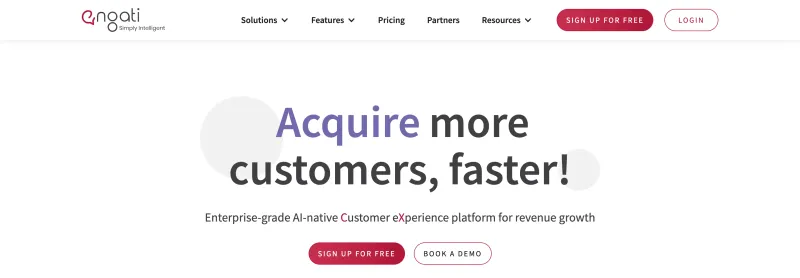
25 | Engati | Yes | $99/quarter | Custom | 4.1 / 5 |
1. YCloud
Features
- The foremost thing is it's super duper intuitive and easy to use.
- Official Meta BSP with enterprise-grade WhatsApp API access.
- Seamlessly manage and view multiple Facebook Business Manager (FBM) and Multiple WhatsApp API under one account.
- Cloud-based shared team inbox with role-based access.
- Built-in language translation in the chat inbox allows agents to communicate seamlessly with customers in different languages across geographies.
- Send broadcast messages to unlimited saved and unsaved contacts.
- Leverage the AI template generator to automatically create marketing content templates in any language.
- Template performance reports to fine-tune and optimise your message templates.
- Automate your WhatsApp marketing by scheduling broadcast messages for maximum engagement at the perfect time.
- Advanced audience segmentation to personalize WhatsApp campaigns.
- Measure your WhatsApp marketing campaign success and optimize performance with real-time campaign analytics and reporting.
- WhatsApp message distribution report that provides clear insights into message performance, including the number of messages sent, received, delivered, and bounced. It also tracks which messages were sent to whom and identifies failures with detailed error reasons.
- Automate agent workflows by intelligently assigning chats based on availability.
- Smart collision detection feature that prevents duplicate responses and enhances team coordination by indicating when a chat is already being handled by a teammate.
- Monitor team chat performance through a comprehensive analytics dashboard.
- Set up WhatsApp automation with GenAI-powered chatbots to handle FAQs, qualify leads, send reminders, alerts, and more.
- Build seamless WhatsApp customer journeys with the Journey Builder.
- Directly integrate with Shopify and Zapier in just a few clicks.
- Easily embed YCloud's chat widget on your website with just a few clicks.
- API access for seamless integration with existing CRMs and eCommerce platforms.
- Export WhatsApp-engaged contacts to create Custom Audiences in Meta Ads Manager.
- Utilize first-party data to enhance Meta Ad performance and retargeting efforts.
- Number masking to safeguard customer data and prevent unauthorized access.
- Supports WhatsApp Coexistence feature.
- Omnichannel marketing automation, including SMS and email campaigns.
- Fully compliant with Meta’s policies, featuring end-to-end encryption, ISO certification, and GDPR compliance.
- Dedicated customer support via WhatsApp, email, and phone, backed by 99.9% uptime with enterprise-grade infrastructure.
- Localized support for businesses operating across multiple regions.
- YCloud's basic plan is free forever.
- Zero Mark-up Charges on WhatsApp Conversations.
- Effortlessly manage multiple FBMs and WABAs under one account login.
- Granular access control to assign grassroots-level permissions to each account.
- Upload and store unlimited contacts, even in the Free plan.
- Enjoy a free lifetime experience of YCloud, including unlimited messaging API access, even in the Free plan.
- Self-serve NLP bot builder for effortless chatbot automation.
- Even in the free plan, you can build unlimited chatbot flows.
- Built-in language translation in the shared inbox, enabling agents to chat with customers in any language.
- Agent-wise performance insights with CSAT ratings for improved customer support.
- Advanced analytics for Click-to-WhatsApp (CTWA) Ads via a dedicated analytics dashboard.
- CTWA Ads integrated with Conversions API for precise tracking and optimization.
- Growth tools to easily create coupons, QR codes, and website chat widgets.
- Seamless Shopify integration with pre-built use cases, including new customer interactions, order updates, and abandoned cart recovery.
- Orders tab to manage and track all Shopify orders placed via WhatsApp, including revenue tracking.
- WhatsApp Pay integration for Indian customers, enabling smooth transactions.
Free | Growth | Pro | Enterprise |
$0/forever | $39/mo | $89/mo | $399/mo |
2. WANotifier
Features
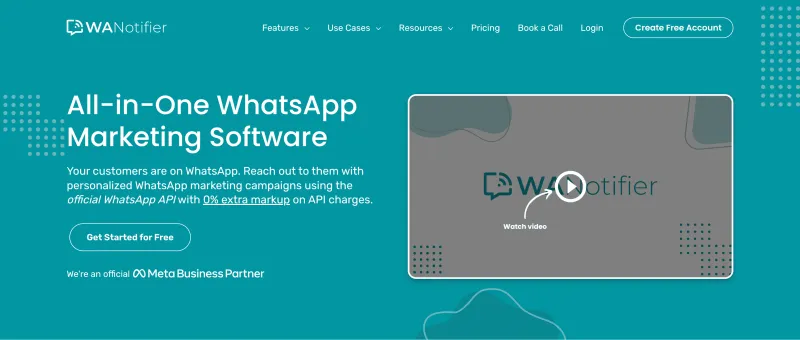
- Official WhatsApp Cloud API access with 0% markup on conversation charges.
- Shared team inbox accessible via web and mobile (Android & iOS).
- Capture leads with Click-to-WhatsApp forms and built-in CRM tools.
- Bulk broadcast support for promotions, drip campaigns, and transactional notifications.
- Rich media support: catalogs, product images, videos, and in-chat ordering.
- Advanced automation: workflows, chatbots, drip sequences, and template scheduling.
- Supports unlimited agents (depending on plan).
- API and third-party platform integrations with Zapier, Pabbly, and other third-party tools.
- Analytics dashboard to check delivery rates, clicks, chatbot performance, and drip conversions.
Pros
- No hidden markups, transparent billing aligned with WhatsApp’s official pricing.
- End-to-end control over API access, billing, and usage.
- Robust automation features with chatbot flows and multi-agent support.
- WhatsApp-native e-commerce features like catalogs and cart flows included.
Cons
- Higher-tier plans can get complex, often requiring onboarding or technical setup.
- Advanced analytics and marketing tools are limited to premium plans.
- Limited public customer reviews; no verified G2 score available yet.
Free Trial
Pricing
Free Forever | Standard | Growth | Business | Pro |
500 contacts, 1,000 broadcasts, basic CRM and templates | ₹4,799 (25K contacts, basic workflows) | ₹9,999 (125K broadcasts, drip sequences, blue tick support) | ₹19,999 (500K broadcasts, advanced chatbots, priority support) | ₹49,999 (1.5M messages, team inbox, dedicated account manager) |
G2 Rating
3. WASender
Features
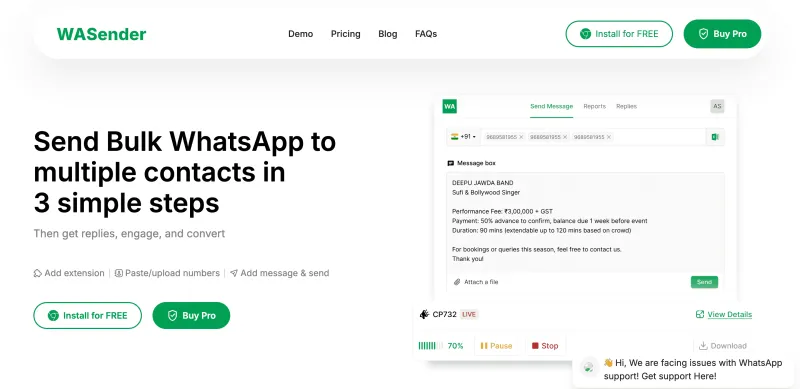
- Send bulk messages in just a few clicks from your browser.
- Upload contacts via Excel sheets and send personalized campaigns.
- Support images, videos, and documents in broadcasts.
- Message batching and time-gap settings to reduce ban risks.
- Contact filtering for more targeted campaigns.
- Download detailed send/fail reports and resume campaigns.
- AI-powered message rewriting for better engagement.
- Auto-categorize replies (e.g., unsubscribes, interested leads).
- Basic AI responses and chatbot features in multiple languages.
Pros
- Simple setup, just install the Chrome extension and start sending.
- Good for personalized outreach and quick lead generation.
- No per-message charges since it uses WhatsApp Web.
Cons
- Unofficial tool, not Meta-approved, so number bans are a real risk.
- Desktop-only, no mobile or cloud access.
- Limited automation, no team inbox, and no CRM integration.
- Mixed stability and customer support reviews.
Free Trial
Pricing
- Free: Basic access.
- Pro version: Available, but pricing details are unclear.
G2 Rating
4. AiSensy
Features
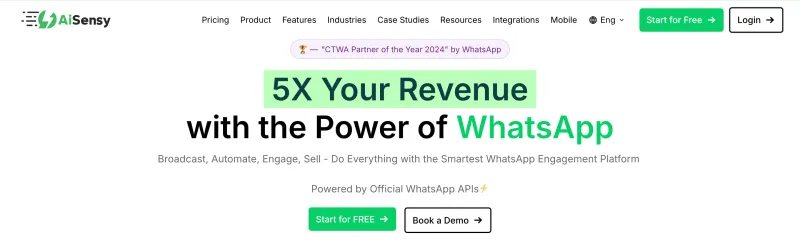
- Official WhatsApp Business API access with Meta compliance.
- Bulk broadcasts to both saved and unsaved contacts.
- No-code chatbot builder for FAQs, lead capture, reminders, and follow-ups.
- Shared team inbox with agent assignments and collaboration.
- Segment-wise smart retargeting based on delivered, read, or replied messages.
- Click-to-WhatsApp ad setup and smart message routing from Meta campaigns.
- CRM & sheet integrations: HubSpot, Zoho, Salesforce, Google Sheets, and more.
- Drive automations for abandoned carts, offers, and payment reminders.
- Real-time analytics for campaign performance and agent tracking.
- Multi-language support for regional messaging campaigns.
Pros
- Easy onboarding with no coding required.
- Blue tick eligibility support for qualifying brands.
- SMB-friendly pricing with fast ROI.
- Handles high-volume promotions while minimizing ban risk through opt-ins and templates.
Cons
- Advanced bot customization is limited compared to enterprise-grade bot builders.
- WhatsApp-only focus (no true omnichannel support).
- Usage-based costs can rise quickly with high conversation volumes.
- Charge markup fees on messages in addition to official Meta pricing.
Free Trial
Pricing
Free Forever | Basic | Pro | Enterprise |
₹0 | ₹999 / month | ₹2399 / month | Custom |
*Pricing may vary based on conversation volume.
G2 Rating
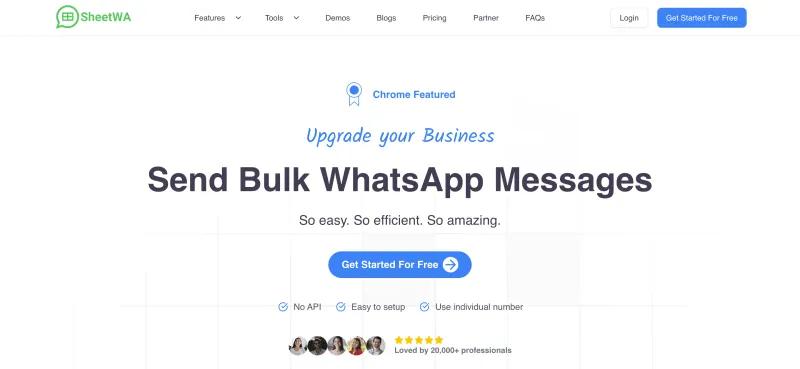
5. SheetWA (WA Sender)
Features
- Send personalized bulk WhatsApp messages using Google Sheets, Excel, or CSV data.
- Format messages with bold, italics, bullets, and emojis for better impact.
- Preview campaigns before sending to avoid mistakes.
- Reduce ban risks with random time gaps, batch sending, and timestamping.
- Support rich media messaging: images, videos, and documents.
- Save reusable message templates for faster execution.
- Quick setup as a Chrome/Edge extension, no coding or API integration required.
Pros
- Extremely easy to install and start using.
- Works with any WhatsApp account via web, no per-message fees.
- Perfect for personalized outreach campaigns where API templates feel restrictive.
- Cost-effective for frequent sends, especially for small teams or solo marketers.
Cons
- Not Meta-approved, misuse can lead to number bans.
- Limited to desktop browser use (no mobile or cloud access).
- No CRM, automation, or team collaboration features.
- Occasional reports of bugs, instability, or incomplete analytics.
Free Trial
Pricing
Pricing not clearly published; depends on in-extension purchases or premium tiers.
G2 Rating
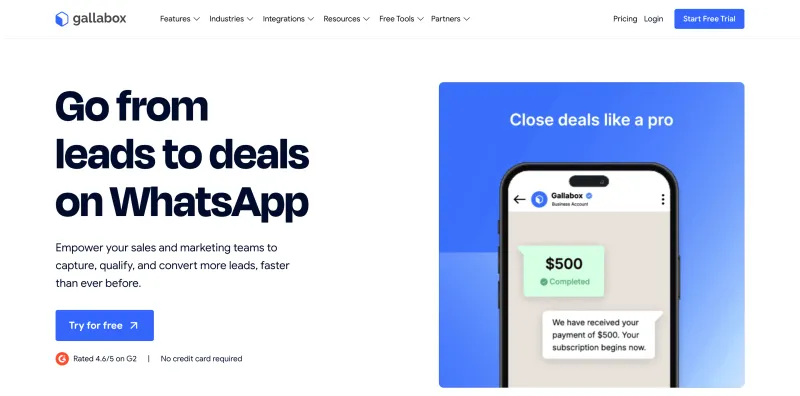
6. Gallabox
Features
- Run bulk WhatsApp broadcasts for promotions, offers, and reminders.
- Build and deploy drag-and-drop chatbots, no coding required.
- Shared team inbox with role-based conversation assignments.
- Real-time analytics to track campaign performance and agent productivity.
- Integrations with Shopify, HubSpot, Google Sheets, and Razorpay.
- Support rich media (images, PDFs, videos) to create engaging campaigns.
Pros
- Intuitive, easy-to-use interface designed for SMBs.
- Responsive customer support, especially during onboarding.
- Competitive, affordable pricing compared to larger platforms.
- Smooth integrations with popular CRM and e-commerce tools.
Cons
- Advanced customization features require some learning.
- Analytics and reporting may feel limited for enterprise-level use.
Free Trial
Pricing
Starter | Growth | Scale | Custom |
₹799/month | ₹2,399/month | ₹4,799/month | On request |
*(WhatsApp conversation fees apply separately)
G2 Rating
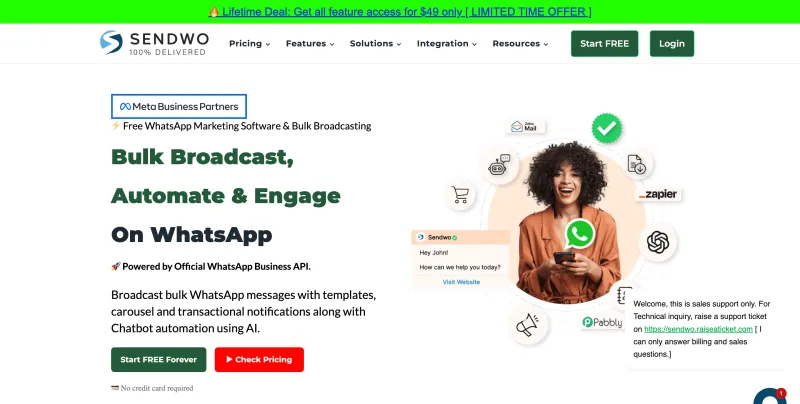
7. SENDWO
Features
- Official WhatsApp API access with no per-message markup.
- Unlimited campaigns with support for buttons, carousels, and rich media.
- AI chatbot automation powered by OpenAI or DeepSeek.
- Shared team inbox with multi-agent collaboration.
- Direct integrations with Shopify, WooCommerce, Zapier, and Google Sheets.
- Catalog promotions, cart recovery flows, drip sequences, and Click-to-WhatsApp ad integrations.
- Advanced contact segmentation, campaign analytics, and workflow forms.
Pros
- Transparent pricing, only pay WhatsApp’s fees, no platform or message markup.
- AI-first approach with automation, chatbots, and built-in strategy tools.
- Flexible lifetime and affordable subscription models.
Cons
- High-volume automation features may require onboarding or training.
- Advanced analytics reserved for premium plans.
- No verified G2 reviews to benchmark customer feedback.
Free Trial
Pricing
Free Tier | Starter | Pro | Enterprise |
1 user, 10K contacts/month, limited messaging | $29 (2 accounts, 20K contacts/month) | $59 (5 accounts, 40K contacts/month) | $67 (unlimited accounts, contacts, messaging, priority support) |
G2 Rating
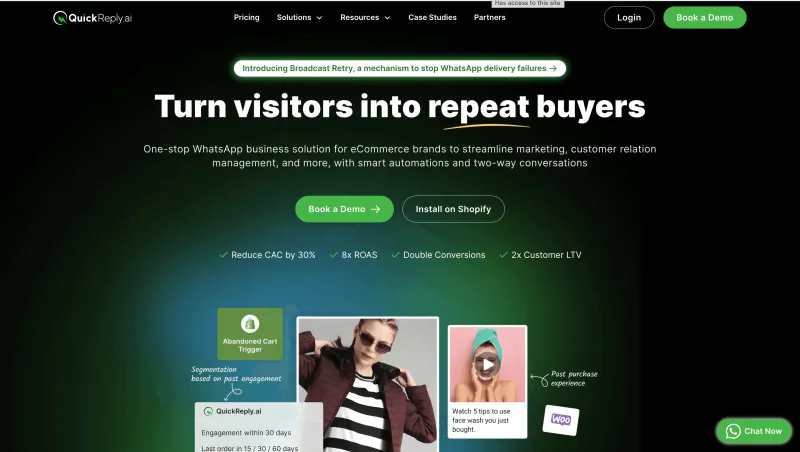
8. QuickReply
Features
- Bulk WhatsApp messaging with personalization.
- Drag-and-drop chatbot builder for FAQs, lead capture, and follow-ups.
- Shared team inbox for multi-agent collaboration.
- eCommerce integrations with Shopify and WooCommerce.
- CRM integrations with Zoho, HubSpot, and more.
- Campaign analytics to measure delivery, engagement, and response rates.
Pros
- User-friendly platform, easy for SMBs to adopt.
- Affordable pricing compared to many competitors.
- Pre-built chatbot templates for quick setup.
- Strong eCommerce integrations for abandoned cart recovery.
Cons
- Limited scalability for very large enterprises.
- Reporting and analytics are not as advanced as enterprise-grade tools.
- Blue Tick verification support is only available in higher-tier plans.
Free Trial
Pricing
Starter | Standard | Plus | Enterprise |
$15/month | $49/month | $99/month | Custom plan |
G2 Rating
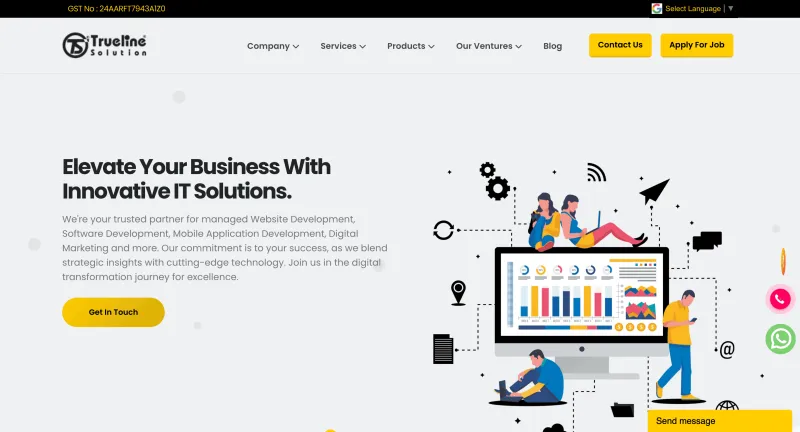
9. Trueline Solution
Features
- Send unlimited text, image, video, PDF, and document messages from your PC.
- Extract contacts from WhatsApp groups using the built-in group grabber.
- Verify numbers with contact filters before sending campaigns.
- Control delivery speed with adjustable delay and sleep timers.
- Anti-block mechanisms to reduce chances of number bans.
- Built-in Google Maps extractor for sourcing local leads.
- Support for multiple accounts to run different campaigns.
Pros
- Extremely easy to set up and use, even for non-technical users.
- Budget-friendly yearly pricing, accessible for small businesses.
- No API approval required, broadcast messages immediately after setup.
Cons
- Not Meta-approved; unofficial tool puts accounts at ban risk.
- Limited to Windows desktops, no cloud or mobile support.
- No CRM, automation workflows, or team inbox features.
- Limited trial, only one day of free testing.
Free Trial
Pricing
- Bulk WhatsApp Marketing Software: ₹1,180 (~$17.70 USD) / Year
- WhatsApp Business Marketing Software: ₹2,360 (~$33.04 USD) / Year
- Bulk WhatsApp with Catalogue Version: ₹1,416 (~$20.06 USD) / Year
G2 Rating
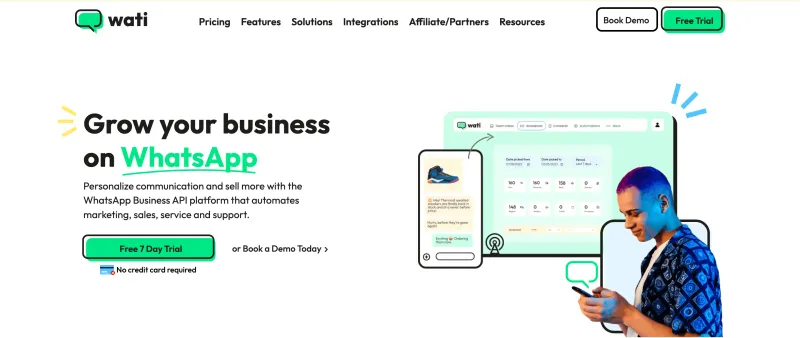
10. WATI
Features
- Official WhatsApp API access with full Meta compliance and security.
- Drag-and-drop no-code flow builder for automated customer journeys.
- Shared team inbox with multi-agent support and role-based access.
- Broadcast messaging to both saved and unsaved contacts.
- Automation triggers for abandoned carts, payment reminders, and re-engagement.
- Contact management with tags, notes, and complete chat history.
- CRM and eCommerce integrations: HubSpot, Zoho, Shopify, Google Sheets, and more.
- Team performance tracking (response times, conversation volume, agent metrics).
- Quick replies and keyword triggers to speed up customer support.
Pros
- Easy no-code setup tailored for SMBs.
- Affordable starter plans with automation included.
- Strong workflow automation across sales, support, and marketing.
- Smooth CRM and third-party integrations for a complete workflow.
Cons
- Analytics and reporting feel basic for large enterprises.
- No in-chat payment options or advanced sales tracking.
- Pricing can scale up quickly with more users or higher message volumes.
Free Trial
Pricing
Growth | Pro | Business |
₹1,999/month | ₹4,499/month | ₹13,499/month |
G2 Rating
Top 25 Wati Alternatives Compared: Features, Free Trials, Pricing & G2 Ratings
Wati Pricing Explained: Full Cost Analysis with Plans, Hidden Costs, & Better Alternatives
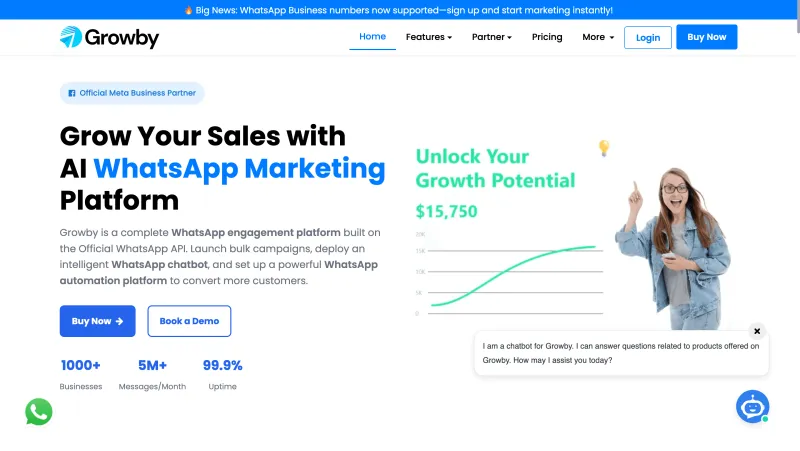
11. Growby
Features
- Bulk WhatsApp broadcasts with built-in anti-blocking functionality.
- Personalize messages with customer names and behavioral data.
- Extract contacts directly from WhatsApp groups to build segmented lists.
- Schedule campaigns and automate message timing.
- Import contacts from Excel, CSV, or text files.
- Contact filtering for better targeting and improved delivery.
Pros
- Anti-blocking technology increases delivery success.
- Beginner-friendly interface, easy to set up and use.
- Lead generation from WhatsApp groups.
- Works for both small businesses and large enterprises.
Cons
- Lacks advanced automation compared to API-based solutions.
- No mobile app for on the go campaign management.
Free Trial
Pricing
Standard | Professional | Enterprise |
$29/year | $34 (Lifetime) | $69 (Lifetime) |
*Custom plans available for bulk usage
G2 Rating
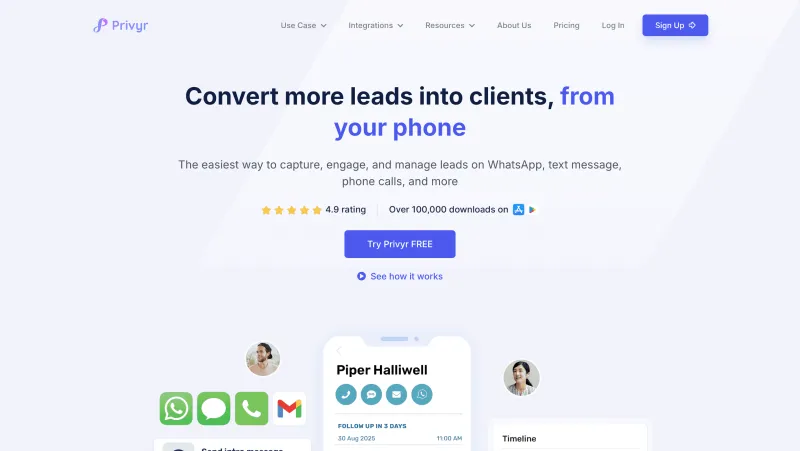
12. Privyr
Features
- Send personalized WhatsApp messages without saving contacts.
- Import lists and message directly via web or mobile app.
- CRM integrations with Facebook, Google Ads, ClickFunnels, and more.
- Real-time lead alerts with in-app contact management.
- Secure, privacy-focused solution with compliance in mind.
- 30-second setup with zero coding required.
Pros
- 100% free to use for bulk WhatsApp messaging.
- Works seamlessly across web, Android, and iOS.
- No account required to get started.
Cons
- Free version has limits on message volume and contact management.
- Advanced features are locked behind the paid CRM plan.
Free Trial
Pricing
- WhatsApp Bulk Sender: Free
- Full-feature CRM: Starts at $15/month
G2 Rating
13. Zoko
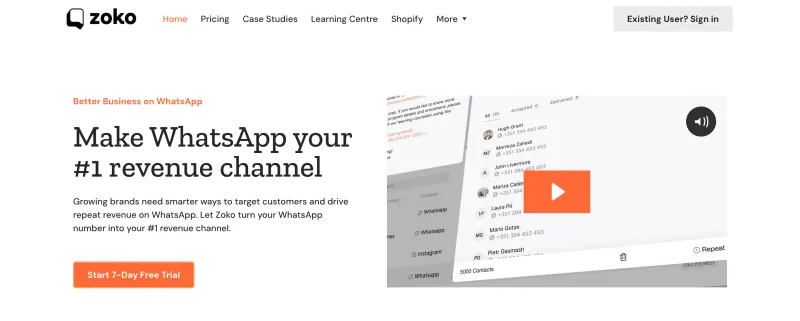
Features
- Native Shopify integration for seamless product and order management.
- Automated order confirmations, payment reminders, and shipping updates.
- Abandoned cart recovery messages to drive sales recovery.
- No-code chatbot builder for FAQs and lead qualification.
- Shared team inbox for managing conversations across multiple agents.
- Bulk broadcast support for both saved and unsaved contacts.
- Detailed campaign analytics to measure engagement and conversions.
Pros
- Best-in-class Shopify integration, tailored for eCommerce.
- Easy-to-use platform, even for non-technical teams.
- Strong abandoned cart recovery tools to increase sales.
Cons
- Pricing includes hidden costs, making budgeting tricky.
- Heavily eCommerce-focused, so less flexible for non-retail industries.
- Many advanced features require extra charges.
- Lousy customer support.
Free Trial
Pricing
Starter | Plus | Elite | Max |
₹2,999/month | ₹4,999/month | ₹9,199/month | ₹33,333/month |
G2 Rating
14. WAPlus
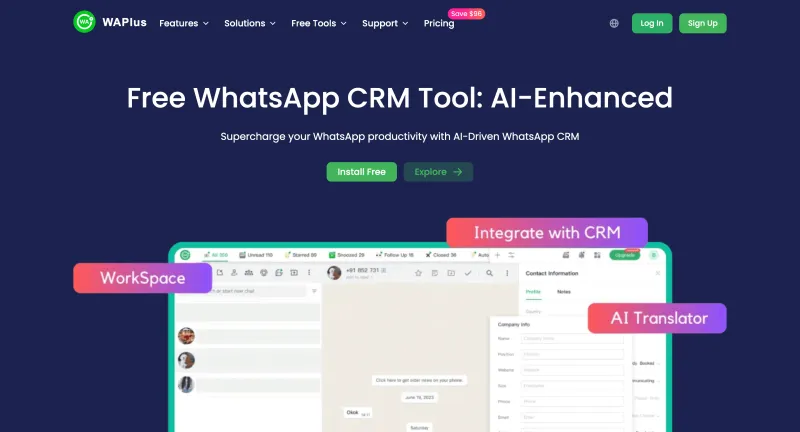
Features
- Automate bulk messaging with scheduled campaigns and personalized replies.
- Built-in CRM dashboard to manage leads, track pipelines, and monitor interactions.
- Organize chats with tools like Close, Snooze, and Archive.
- Separate tabs for unread and pending replies to avoid missed follow-ups.
- Visualize sales pipelines to spot bottlenecks and opportunities.
- Advanced reporting for marketing and sales performance insights.
- Team collaboration with role-based permissions and shared resources.
- Integrations with Gmail, Slack, Calendly, Stripe, PayPal, and more.
Pros
- Automated and personalized bulk messaging boosts efficiency.
- Strong CRM features help manage sales funnels alongside WhatsApp campaigns.
- Chat organization tools keep inbox clutter-free.
- Comprehensive analytics for data-driven decision-making.
- Collaboration-friendly with multi-user support.
- Wide range of integrations for extended workflows.
Cons
- No official mobile app, limiting flexibility on the go.
- Not built on WhatsApp’s official API, raising compliance concerns.
- Developer anonymity can reduce trust and long-term reliability.
Free Trial
Pricing
Starter | Individual | Pro | Team | Enterprise |
Free forever | $4.99/user/month | $15.00/month | $52/month | $104.00/month |
G2 Rating
15. WhatChimp
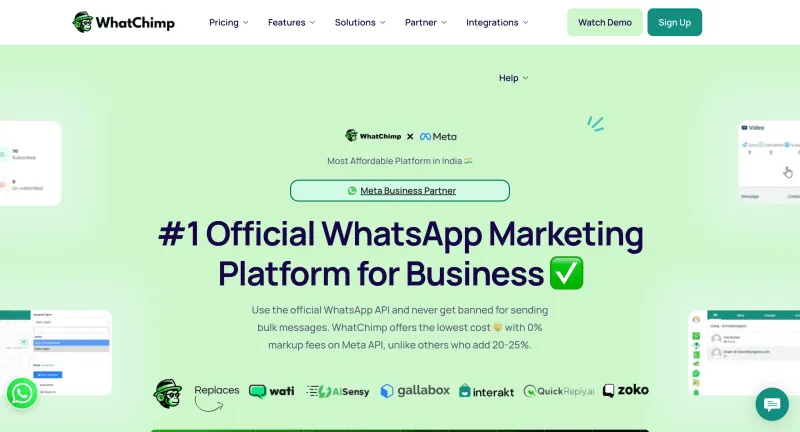
Features
- Bulk WhatsApp broadcasts to thousands of users in minutes.
- Shared team inbox with multi-agent routing and automation.
- AI-powered chatbot (trained on your business data) for 24/7 responses.
- Collect customer details directly in WhatsApp with forms synced to CRM or Google Sheets.
- Showcase products with a WhatsApp Catalog for in-chat shopping.
- Click-to-WhatsApp ad support to drive instant conversations.
- Integrations with Shopify, WooCommerce, Zapier, Google Sheets, and more.
Pros
- Transparent, no-markup pricing on WhatsApp messages.
- 10-second template approval speeds up campaign launches.
- Strong eCommerce focus with catalog and order flows.
- User-friendly with onboarding support and 24/7 live chat.
Cons
- Limited analytics compared to enterprise-grade platforms.
- Some advanced features require higher-tier plans.
- Newer in the market compared to incumbents like WATI or AiSensy.
Free Trial
Pricing
Basic | Pro | Enterprise |
$24/Month | $60/Month | Custom |
G2 Rating
16. WABiz
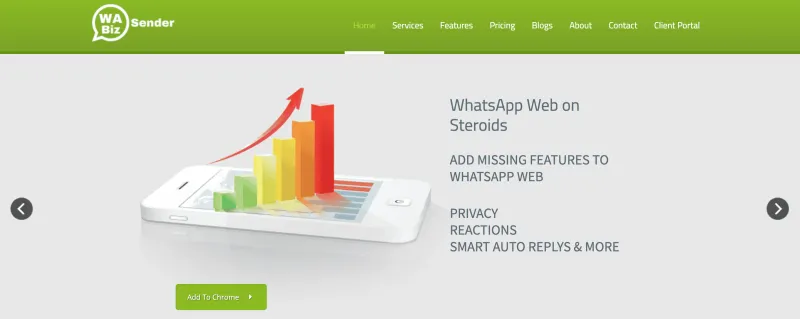
Features
- Send unlimited WhatsApp messages to both saved and unsaved numbers.
- Import contacts via Excel, CSV, or copy-paste.
- Personalize messages with variables like name and tags.
- Support rich media messaging: images, PDFs, and videos.
- Built-in number checker to filter inactive WhatsApp users.
- Schedule campaigns for optimal delivery times.
- Basic anti-blocking measures to reduce ban risk.
Pros
- Extremely user-friendly, no tech expertise required.
- Supports bulk broadcasts with personalization at scale.
- Affordable pricing for small businesses.
Cons
- Not an official WhatsApp API partner; ban risks still exist.
- Limited CRM integrations and automation tools.
- Windows-only; no Mac or cloud version.
Free Trial
Pricing
Silver | Gold | Platinum |
₹399 / Month | ₹599 / Month | ₹999 / Month |
G2 Rating
17. Interakt
Features
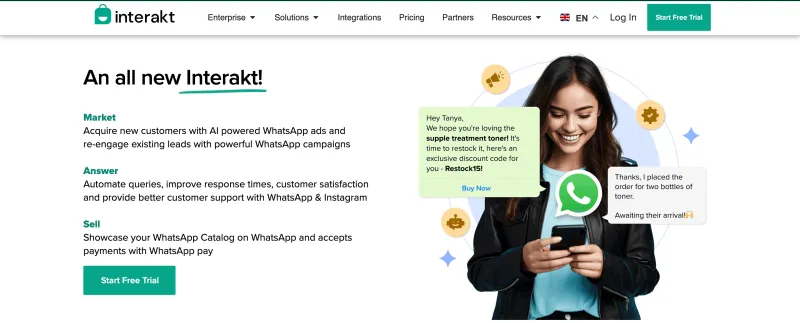
- Bulk WhatsApp messaging to saved and unsaved contacts.
- Real-time analytics to track campaign performance.
- No-code chatbot builder for FAQs, reminders, and lead qualification.
- Shared team inbox for handling multiple chats seamlessly.
- Showcase product catalogs and collect payments in WhatsApp.
- Easy integrations with Shopify, Zoho, HubSpot, and other CRMs.
Pros
- Beginner-friendly, no coding needed.
- Clean, intuitive interface for managing conversations.
- Strong CRM and eCommerce integrations.
- Useful automation tools to reduce manual workload.
Cons
- Customer support is inconsistent.
- Lacks advanced automation compared to enterprise-focused platforms.
Free Trial
Pricing
Starter | Growth | Advanced | Enterprise |
₹999/month | ₹2,499/month | ₹3,499/month | Custom pricing |
G2 Rating
18. Twilio
Features
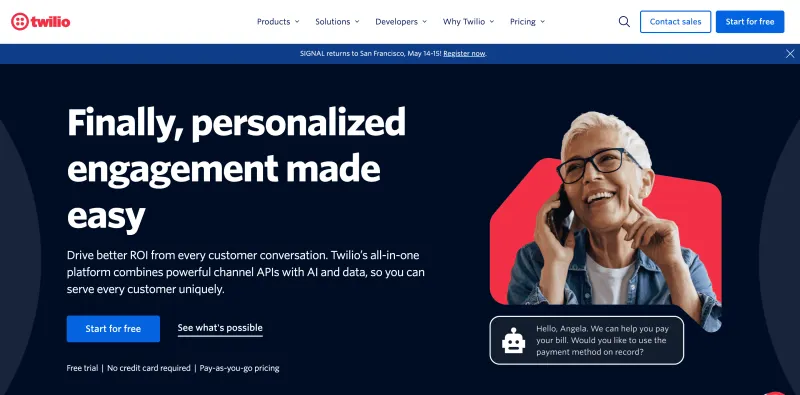
- Programmatic APIs to send and receive WhatsApp messages at scale.
- Build fully custom chatbots and conversational flows with code-level flexibility.
- Rich media support: images, videos, audio, and files.
- Omnichannel suite: SMS, WhatsApp, email, and voice under one platform.
- Advanced analytics and delivery tracking to monitor campaigns.
- Integrations with CRMs like Salesforce, HubSpot, Zendesk, and more.
Pros
- Built for developers, full control and flexibility.
- Highly scalable and reliable for enterprise-grade volumes.
- Backed by Twilio’s robust global infrastructure and uptime.
- True omnichannel communication from a single API suite.
Cons
- Not beginner-friendly; requires strong developer expertise.
- Pricing can get expensive at high message volumes.
- UI isn’t designed for non-technical teams.
- Complex billing model with usage-based charges.
Free Trial
Pricing
- Pay-as-you-go model, charges vary by region and message type.
- Meta’s WhatsApp conversation fees apply separately.
G2 Rating
19. WA Web Sender
Features
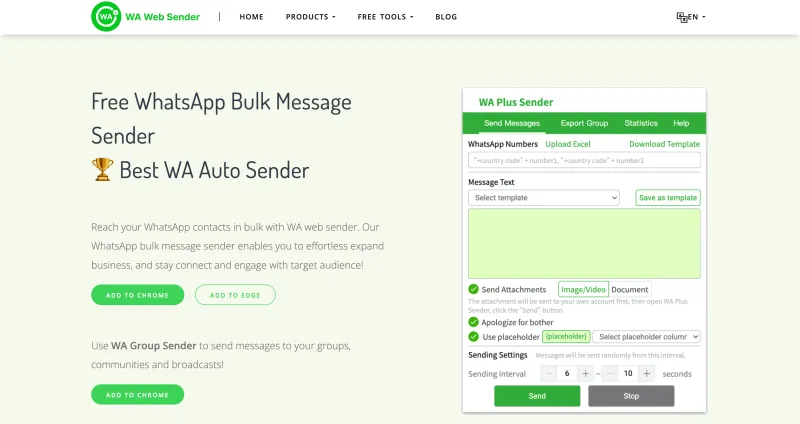
- Send bulk WhatsApp messages to saved and unsaved contacts via browser extension.
- Personalize messages with variables (name, number, or custom fields from Excel).
- Attach rich media (images, PDFs, videos, documents) in campaigns.
- Schedule campaigns for automated delivery.
- Auto-reply to customer queries when offline.
- Extract contacts directly from WhatsApp groups for segmented outreach.
- Optional cloud-based version to run campaigns without keeping your PC on.
Pros
- Simple, user-friendly interface with no steep learning curve.
- Quick contact extraction from WhatsApp groups.
- Supports personalization and rich media at scale.
- Offers both desktop-based and cloud-based versions.
Cons
- Not an official Meta BSP, higher risk of bans if misused.
- Limited integrations with CRMs and third-party platforms.
- Basic analytics and reporting compared to API-based tools.
Free Trial
Pricing
Basic Plan | Starter Plan | Pro Plan | Cloud Sender Plan |
$4.99 (1-day access) | $15.99 (1-month license) | $29.99 (6 months) | $19.99/month (fully online, browser not required) |
G2 Rating
20. Wassenger
Features
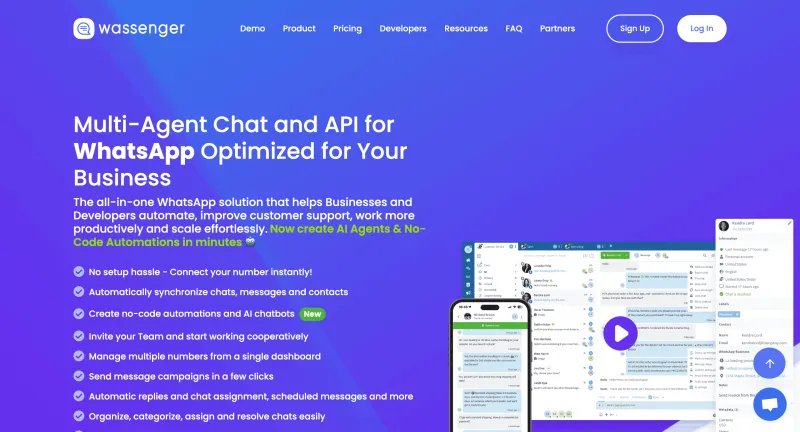
- Instant setup: Connect your WhatsApp number and begin managing campaigns quickly.
- Multi-agent inbox: Invite agents, assign roles/permissions, assign chats manually or automatically.
- Send message campaigns & broadcast messages with personalization using template variables.
- Rich media support: send images, videos, schedule messages, follow up with contacts.
- Built-in CRM: Sync contacts, add metadata, labels, internal notes; historical interactions stored.
- Automations and AI chatbots + no-code workflows: for FAQs, auto-replies, scheduled scripts, webhooks.
- Analytics & reporting: Team performance, message delivery/read status, campaign tracking.
- Mobile app: Android for now (iOS coming soon), letting you stay connected on the go.
Pros
- User-friendly and powerful for teams: role-based access, multiple agents, collaboration.
- Flexible automations & campaign scheduling make it strong for both broadcast marketing & support outreach.
- Good media & contact personalization support, helping messages seem less generic.
- Mobile app helps manage while away from desk.
Cons
- Not always obvious how advanced features map vs enterprise competitors (those with huge API setups).
- Pricing & conversation-costs (WhatsApp’s fees) can add up, especially for high volume.
- Some features like iOS mobile app still catching up (if important for your team).
Free Trial
Pricing
Gateway Subscription | Platform Subscription |
Starting from $19.90 /per month | Starting from $39.90 /per month |
G2 Rating
21. Respond.io
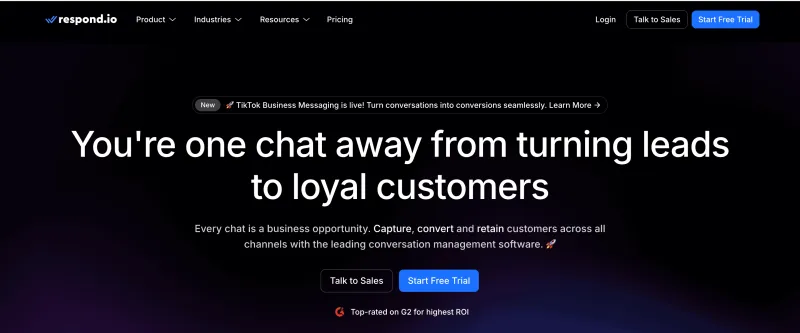
Features
- Official WhatsApp Business API with bulk broadcast support.
- Unified team inbox covering WhatsApp, Messenger, LINE, Telegram, and email.
- No-code chatbot builder for FAQs, lead capture, and automated follow-ups.
- Agent routing rules for smart, fast customer query resolution.
- Quick replies, canned responses, and tagging for streamlined workflows.
- Real-time analytics dashboards for campaigns and agent productivity.
- CRM integrations: Salesforce, HubSpot, Zoho, Zendesk, Freshdesk, and more.
- API and webhook support for advanced automations and custom workflows.
Pros
- Intuitive interface, easy for non-technical teams.
- Centralized inbox for managing multiple channels in one place.
- Strong automation tools for sales, marketing, and support.
- Fast and responsive customer support.
Cons
- Higher-tier plans can be expensive for smaller businesses.
- Learning curve for advanced workflow automation.
- Limited eCommerce-specific features compared to niche platforms.
Free Trial
Pricing
Starter | Growth | Advanced | Enterprise |
$79/month | $159/month | $279/month | Custom |
*WhatsApp conversation fees are billed separately.
G2 Rating
22. Gupshup
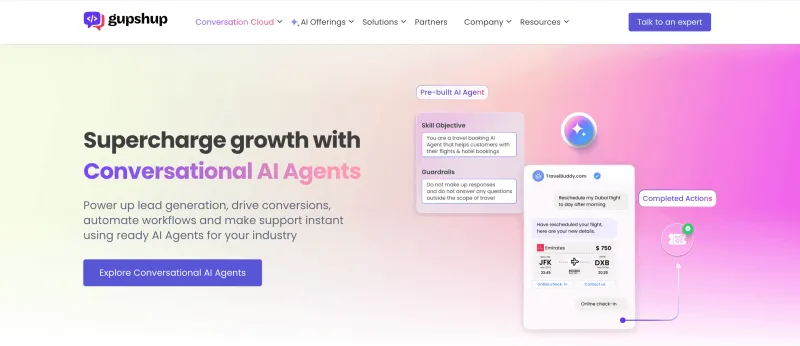
Features
- Official WhatsApp Business API with high-volume messaging.
- AI chatbot builder to automate FAQs, marketing, and commerce.
- Bulk broadcast campaigns with analytics on delivery, opens, and engagement.
- Rich media support: images, PDFs, videos, and interactive catalogs.
- Omnichannel messaging: WhatsApp, SMS, RCS, and voice.
- Multilingual support for global campaign reach.
- CRM integrations: Salesforce, HubSpot, Zoho, and more.
- Advanced audience segmentation for targeted broadcasts.
Pros
- Strong CRM and third-party integrations.
- Interactive catalogs and rich media campaigns supported.
- AI-powered automation handles up to 80% of customer queries.
- Enterprise-grade scalability and reliability.
- Dedicated account management for larger businesses.
Cons
- Pricing is higher compared to newer players.
- Setup may require technical expertise.
- Analytics could be more detailed compared to advanced competitors.
- Occasional reports of lousy customer support.
Free Trial
Pricing
- Not publicly disclosed, available on request.
- Pay-as-you-go model with Gupshup fees plus WhatsApp conversation charges.
G2 Rating
23. 360Dialog
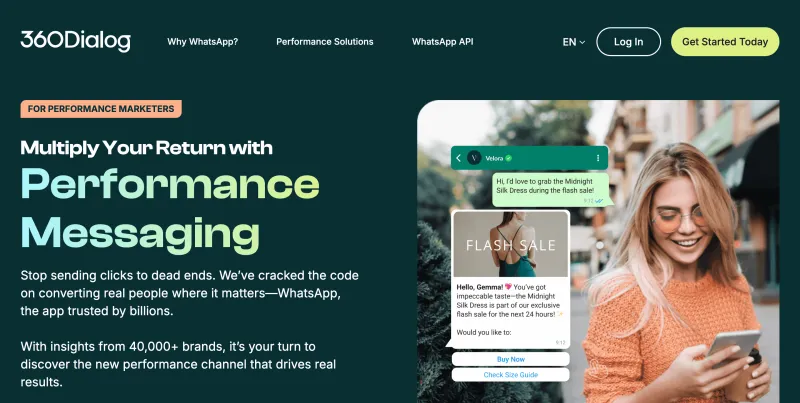
Features
- Bulk WhatsApp broadcasts to both saved and unsaved contacts.
- Real-time analytics dashboard for delivery, campaign, and engagement tracking.
- Cloud-based shared team inbox for multi-agent management.
- Open API for seamless integrations with CRMs, helpdesks, and chatbot tools.
- No-code chatbot builder to launch automated flows quickly.
- Support WhatsApp ad-to-chat tracking and retargeting campaigns.
Pros
- Fastest WhatsApp API approval in the market.
- Flexible open API to connect with any tool in your stack.
- Reliable uptime for enterprise-grade campaigns.
- Scales well for both agencies and large enterprises.
Cons
- Reporting and analytics are fairly basic.
- Inconsistent customer support.
- Pricing isn’t very transparent or budget-friendly.
Free Trial
Pricing
- Custom pricing based on usage and business size.
- Quote available on request.
G2 Rating
24. Verloop.io
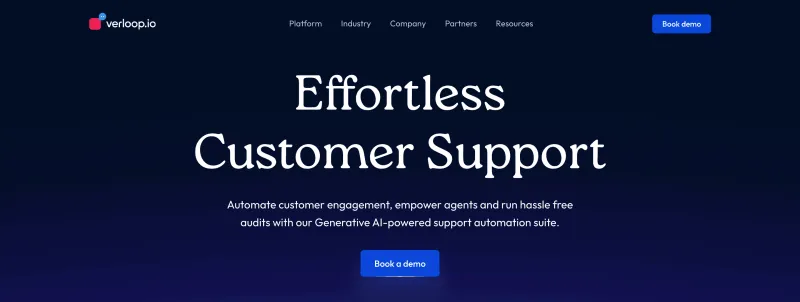
Features
- Send bulk WhatsApp messages and automate conversations across channels.
- Build AI-powered chatbots with an intuitive no-code platform.
- Route complex issues to live agents for seamless human support.
- Real-time analytics to track engagement and performance.
- Multilingual support for global customer bases.
Pros
- Easy chatbot setup, ideal for non-technical teams.
- Strong omnichannel presence: WhatsApp, Instagram, web, and more.
- Flexible automation workflows that adapt to business needs.
- Smooth live chat handover for better support flows.
Cons
- No transparent pricing, must contact sales for details.
- Advanced customization may require guided onboarding.
Free Trial
Pricing
Custom pricing available on request.
G2 Rating
25. Engati
Features
- Bulk WhatsApp broadcasts for promotions, updates, and customer support.
- No-code chatbot builder to automate FAQs, lead capture, and follow-ups.
- Shared team inbox to manage WhatsApp, Messenger, Telegram, and more.
- CRM integrations with HubSpot, Salesforce, and other platforms.
- Real-time analytics to track campaign and bot performance.
Pros
- User-friendly interface with smooth onboarding.
- Robust automation reduces manual workload.
- Multichannel communication support beyond WhatsApp.
- Strong customer support and detailed documentation.
Cons
- Chatbot customization isn’t as advanced as AI-first competitors.
- Analytics can lag during very high-volume campaigns.
- Premium features may increase costs for smaller teams.
Free Trial
Pricing
Accelerator | Growth | Enterprise |
$99/Quarter | Custom pricing (contact sales) | Custom pricing (contact sales) |
*WhatsApp conversation charges apply separately.
G2 Rating
Note: Pricing and G2 ratings of these WhatsApp broadcast softwares may change over time. For the most accurate and up-to-date information, please visit their official websites.
Key Factors to Look for While Selecting WhatsApp Broadcast Software
Here are the factors you must evaluate before making a decision:
1. Effortless WhatsApp API Integration
- Automated onboarding and quick Meta approval.
- Direct integration with WhatsApp’s official Cloud API.
- Minimal setup effort so you can go live faster.
2. Easy Campaign Creation & Management
- Drag-and-drop chatbot builder with personalization options.
- Automated scheduling, follow-ups, and drip campaigns.
- Real-time delivery, read, and reply tracking.
- Multimedia support (images, PDFs, catalogs, videos).
- Audience segmentation for targeted broadcasts.
3. Transparent & Cost-Effective Pricing
- Charge only for actual WhatsApp conversations/messages.
- Offer clear pay-as-you-go or subscription pricing.
- Provide a free trial to test features before committing.
4. Security & Privacy
- End-to-end encryption and GDPR compliance.
- Strong anti-blocking measures.
- Opt-in consent management to meet Meta’s policies.
5. Ease of Use
- Clean, intuitive dashboard.
- Minimal learning curve.
- No coding required for day-to-day usage.
6. Compatibility & Integrations
- CRMs (HubSpot, Zoho, Salesforce).
- eCommerce platforms (Shopify, WooCommerce).
- Helpdesk systems (Zendesk, Freshdesk).
- API and webhook support for custom workflows.
7. Scalability & Advanced Features
- Higher messaging tiers as your audience scales.
- Advanced features like AI recommendations and detailed reporting.
- Ability to handle enterprise-level campaigns without downtime.
8. Customer Support & Reliability
- Responsive, multi-channel support (chat, email, WhatsApp).
- Onboarding guidance and documentation.
- Proven track record with positive reviews and case studies.
9. Legal Compliance
- GDPR readiness and consent management tools.
- Full alignment with Meta’s commerce and messaging policies.
- Features that reduce risk of number bans or penalties.
Best Practices to Use WhatsApp Broadcast Software
1. Build a Permission-Based List
- Always collect explicit opt-in consent before sending messages.
- Use landing pages, in-store signups, or click-to-WhatsApp ads to capture consent.
- Permission-first outreach reduces spam complaints and builds customer trust.
2. Use the Official WhatsApp Business API
- Ensure compliance with Meta’s policies by using the official API.
- Unlock access to automation, WhatsApp marketing, and analytics.
- Avoid third-party “hacks” or cracked tools that risk instant number bans.
3. Personalize Your Campaigns
- Add personal touches like customer names, order history, or preferences.
- Segment your audience by behavior, demographics, or purchase stage.
- Personalized campaigns consistently drive higher engagement and conversions.
4. Craft Engaging & Valuable Messages
- Keep messages short, clear, and value-driven (offers, updates, reminders).
- Use rich media, images, PDFs, videos, voice notes—to boost interactivity.
- Avoid overusing pushy or sales-heavy language.
5. Time It Right
- Send messages when customers are most likely to respond.
- Avoid late-night blasts or sending during holidays unless truly relevant.
- Good timing directly improves visibility and response rates.
6. Make Opt-Out Easy
- Always provide a clear unsubscribe option (e.g., “Reply STOP to opt out”).
- Respecting user preferences builds long-term brand credibility.
7. Stay Compliant with Privacy Laws
- Follow GDPR, CCPA, and WhatsApp anti-spam policies.
- Be transparent about how you collect, store, and use customer data.
- Non-compliance can mean account suspension—or legal penalties.
8. Monitor & Optimize Campaigns
- Track key metrics: delivery, open rates, replies, opt-outs, and conversions.
- Run A/B tests to refine messaging and offers.
- Use analytics insights to continuously improve campaign ROI.
WhatsApp Broadcast Software Feature Checklist
Capability | Why It Matters | Must-Have |
|---|---|---|
Verified BSP (Meta Partner) | Ensures compliance with WhatsApp policies and reduces ban risks | ✅ |
Bulk Messaging | Run promotions, reminders, and alerts to thousands at once | ✅ |
Click-to-WhatsApp Ads | Turn ad clicks into instant WhatsApp conversations | ✅ |
No-Code Chatbot Builder | Automate FAQs, lead capture, and workflows without tech help | ✅ |
WhatsApp Flows | Design interactive in-app journeys for customers | 🔁 |
Drip Campaigns | Nurture leads over time with scheduled sequences | ✅ |
Shared Team Inbox | Centralize all chats and assign conversations to agents | ✅ |
CRM & App Integrations | Connect with Shopify, HubSpot, Salesforce, Zoho, etc. | ✅ |
Advanced Analytics | Track delivery, replies, conversions, and ROI | ✅ |
Multi-Language Messaging | Engage regional audiences with localized campaigns | 🔁 |
Transparent Pricing | Avoid markups, hidden fees, or surprise invoices | ✅ |
Data Privacy & Compliance | Protect customer data with GDPR-ready security | ✅ |
🟢 ✅ = Essential for most businesses
🟡 🔁 = Nice-to-have, depending on your use case
Final Checklist Before You Commit
- Is the interface intuitive? → Your team should be able to launch a campaign without extra training.
- Does it cover your exact use case? → Don’t just buy for “extras.” Focus on automation, analytics, flows, or whatever you actually need.
- Is pricing 100% transparent? → Ask about setup fees, per-message markups, chatbot add-ons, hidden charges can hurt later.
- How strong is customer support? → A WhatsApp tool without responsive support is risky. Ensure you can reach the team quickly, ideally on WhatsApp itself.
- Are templates included? → Ready-to-use templates for offers, alerts, and reminders save time.
- Does it offer real analytics? → Without delivery/read/reply tracking, it’s just bulk messaging, not marketing.
- Is it no-code or low-code? → Avoid tools that require heavy developer input.
- Can you personalize at scale? → Names, orders, and custom fields should be easy to insert.
- What do other brands say? → Case studies, reviews, and referrals reveal reliability better than sales pitches.
- Will it grow with you? → Choose software that can handle bigger lists and higher tiers as your business scales.
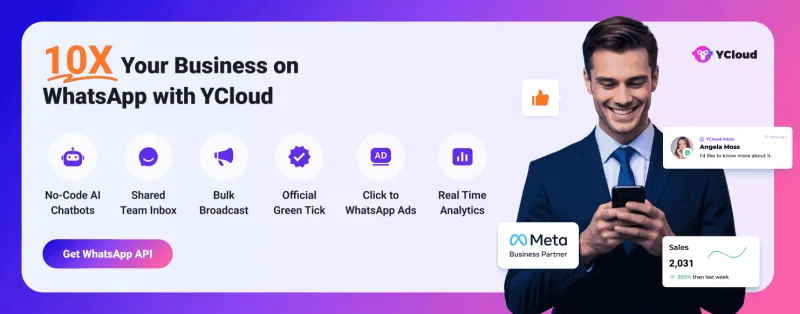
How to Get YCloud?
How to Get YCloud for FREE?
Wrapping Up!
Frequently Asked Questions
Is there a free WhatsApp broadcast software?
Yes, some tools offer free WhatsApp broadcast software for basic messaging. These tools allow users to send messages to multiple contacts at once. However, most free tools have limits on contacts, automation, or analytics. Businesses that want to scale campaigns typically use official WhatsApp API platforms like YCloud.
Is there a free WhatsApp bulk message sender Chrome extension?
Yes, several Chrome extensions allow bulk messaging on WhatsApp Web. These tools can send messages to multiple numbers directly from the browser. However, many are unofficial and may risk account restrictions. For safe and scalable campaigns, businesses should use official WhatsApp Business API solutions like YCloud.
Can I send bulk WhatsApp messages for free?
Yes, you can send limited bulk messages for free using the WhatsApp Business App broadcast feature or some third-party tools. However, in the WhatsApp Business App, broadcasts are limited to 256 contacts per list, and advanced automation usually requires official WhatsApp API platforms such as YCloud.
Is it safe to use free WhatsApp bulk sender tools?
Many free bulk sender tools are unofficial and not approved by WhatsApp. Using them may lead to temporary restrictions or account bans. Businesses that want reliable campaigns should use Meta-approved providers like YCloud that operate through the official WhatsApp Business API.
What is the best free WhatsApp broadcast software?
Some popular free WhatsApp broadcast tools include WA Web Sender, Blueticks, and WAPlus CRM. These tools work with WhatsApp Web and allow basic bulk messaging. However, businesses often switch to WhatsApp Business API platforms like YCloud for automation, analytics, and large-scale campaigns.
How many contacts can I broadcast on WhatsApp?
The WhatsApp Business App broadcast list is limited to 256 contacts per list. Also, recipients must have your number saved in their phone to receive broadcast messages. To send messages to thousands of users, businesses usually use the WhatsApp Business API solutions such as YCloud.
Do WhatsApp bulk message sender extensions require WhatsApp Web?
Yes. Most WhatsApp bulk message sender Chrome extensions work through WhatsApp Web. They automate message sending from the browser session linked to your phone. This means the phone must remain connected and active during campaigns.
Can I send bulk WhatsApp messages without saving numbers?
Yes, some bulk sender tools and Chrome extensions allow you to send WhatsApp messages without saving contacts by importing numbers. Many businesses also use WhatsApp API tools to message opt-in users directly from a contact list.
What is the best way to send bulk WhatsApp messages?
The best way to send bulk WhatsApp messages is through the official WhatsApp Business API solution such as YCloud. It allows businesses to send messages to thousands of users, automate responses, track analytics, and integrate with CRM.

Make your business communications much easier!


Trusted by




