Customer Support

English

How to Choose the Best Software for WhatsApp Marketing

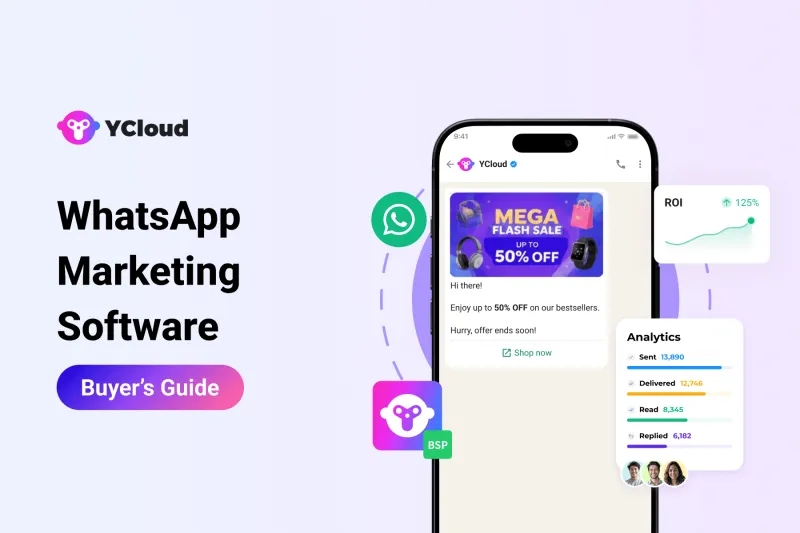
Choosing WhatsApp marketing software is not just about picking the tool with the longest feature list.
The wrong platform can limit your campaigns, slow down your team, increase costs, or even put your WhatsApp number at risk if it does not follow Meta’s policies.
The right software should match your business goals, support your future scale, offer the features your team actually needs, and stay transparent on pricing, compliance, and support.
In this guide, we’ll walk through the key checks every business should make before choosing the best software for WhatsApp marketing.
First, let’s quickly summarize what you should look for.
TL;DR
The best software for WhatsApp marketing is not the one with the most features. It is the one that fits your goals, team, budget, and growth plans.
Before you sign up, check these points:
- Does it support your WhatsApp marketing goals?
- Can it scale as your campaigns and customer base grow?
- Does it offer broadcasts, automation, shared inbox, templates, and analytics?
- Is the platform easy for your team to use?
- Does it integrate with your CRM, eCommerce, and business tools?
- Is the pricing clear with no hidden fees or unnecessary markups?
- Does it follow Meta’s policies and offer strong data security?
- Does the vendor have real WhatsApp expertise and reliable support?
A good WhatsApp marketing software should help you launch campaigns faster, manage conversations better, automate key workflows, and avoid costly mistakes later.
Note: We’ve already compared the top 50 WhatsApp marketing software for you, including pros, cons, pricing, free trials, and key features.
You can check that full comparison here: Top 50 WhatsApp Marketing Software Compared: Pros, Cons, Free Trials, Pricing and Everything
Once you shortlist a few tools, come back to this guide to understand the key checks you should make before signing up.
Next, let’s start with the first check: defining your WhatsApp marketing goals.
1. Define Your WhatsApp Marketing Goals FIRST!
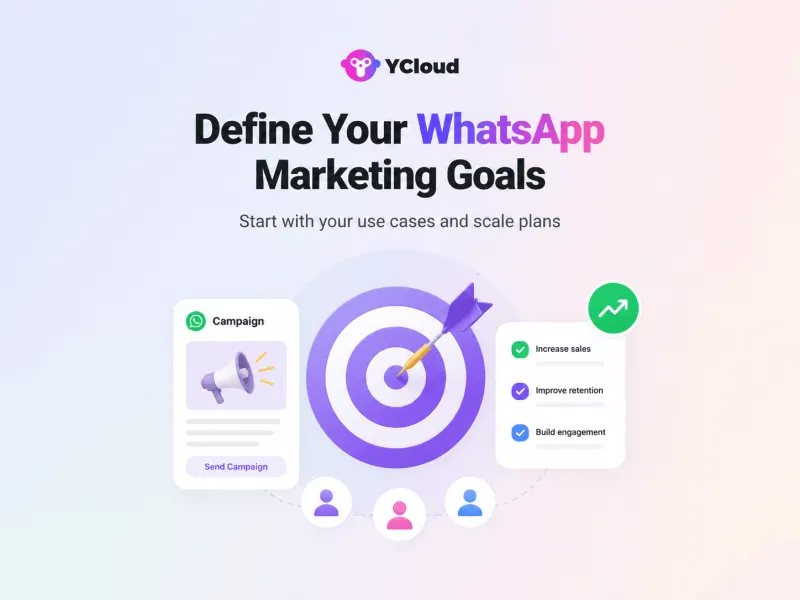
Before choosing any WhatsApp marketing software, first be clear about what you want to achieve with it.
Do you want to send bulk campaigns? Recover abandoned carts? Automate order updates? Generate leads? Manage customer support? Or connect WhatsApp with your CRM or online store?
This step matters because not every tool is built for the same goal.
Some platforms are good for broadcasts. Some are better for automation. Some focus more on shared inbox, chatbot, analytics, or integrations.
So, before you compare tools, list your current needs and future needs.
For example:
- What type of WhatsApp campaigns do you want to send?
- How many users or customers do you want to manage?
- Do you need automation, chatbot, or live chat?
- Do you need CRM or eCommerce integration?
- Do you need reports to track clicks, replies, and conversions?
Once your goals are clear, it becomes much easier to choose the right WhatsApp marketing software.
Next, let’s check if the software features actually match your business needs.
2. Now, Let’s Shortlist the Best WhatsApp Marketing Software for Your Business
Once your goals are clear, start exploring the tools available in the market.
You can search on Google using terms like “best WhatsApp marketing software”, “WhatsApp marketing software for business”, or “WhatsApp automation software”.
You can also check platforms like G2, Capterra, and SaaSworthy to compare reviews, ratings, pricing, and customer feedback.
But if you do not want to spend hours researching every tool, we’ve already done the homework for you.
Read this detailed comparison: Top 50 WhatsApp Marketing Software Compared: Pros, Cons, Free Trials, Pricing and Everything
It covers the top WhatsApp marketing tools, their features, pricing, free trials, pros, and cons so you can shortlist faster.

While comparing tools, make sure to add YCloud to your list. YCloud is built for businesses that want to use WhatsApp for marketing, sales, support, and automation from one platform.
With YCloud, you can send WhatsApp campaigns, automate customer journeys, manage chats in a shared inbox, use AI Agents, leverage AI to create message templates, connect with business tools, and track performance without depending on multiple systems.
At this stage, shortlist 3 to 5 tools that match your goals. Then compare them against features, pricing, support, integrations, compliance, and ease of use.
Next, let’s check if the software features actually match your business needs.
3. Assess the Features of the Software and Check If They’re Aligned with Your Business Goals?
Once you have shortlisted a few WhatsApp marketing software options, check if their features actually match your goals.
Do not get impressed by a long feature list. Focus on what your business really needs.
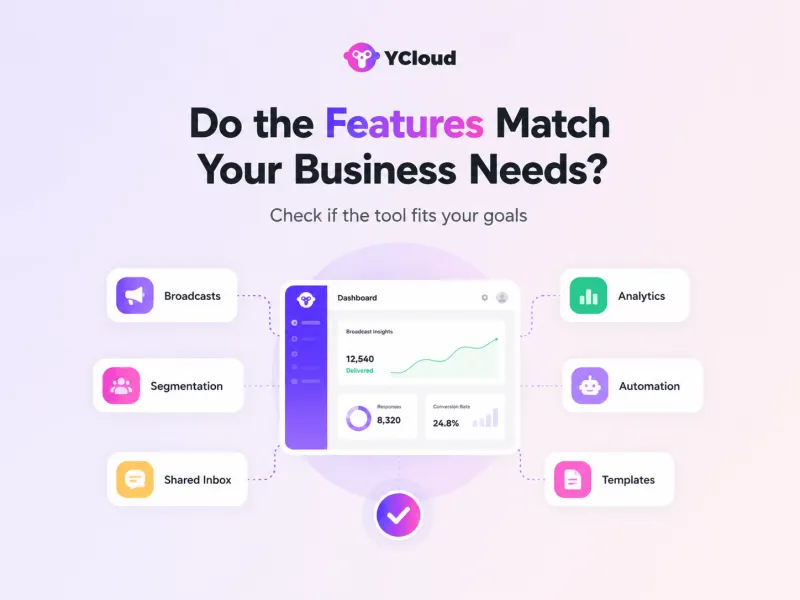
Check if the software supports:
- WhatsApp broadcasts and campaigns
- Customer segmentation
- Shared team inbox
- Chatbots and AI Agents
- Automated follow-ups and customer journeys
- CRM and eCommerce integrations
- Campaign analytics and reporting
For example, if your goal is lead generation, the software should support campaigns, automation, forms, CRM sync, and follow-ups.
If your goal is customer support, check for shared inbox, agent assignment, chatbot flows, and conversation history.
YCloud brings these key features together in one platform, helping businesses manage WhatsApp marketing, sales, support, automation, AI Agents, templates, and performance tracking without switching between multiple tools.
At this stage, remove any tool that does not support your must-have features.
Next, let’s check how strong the software is in automation and AI.
4. Does the Software Support Automation and AI?
WhatsApp marketing is not just about sending campaigns.
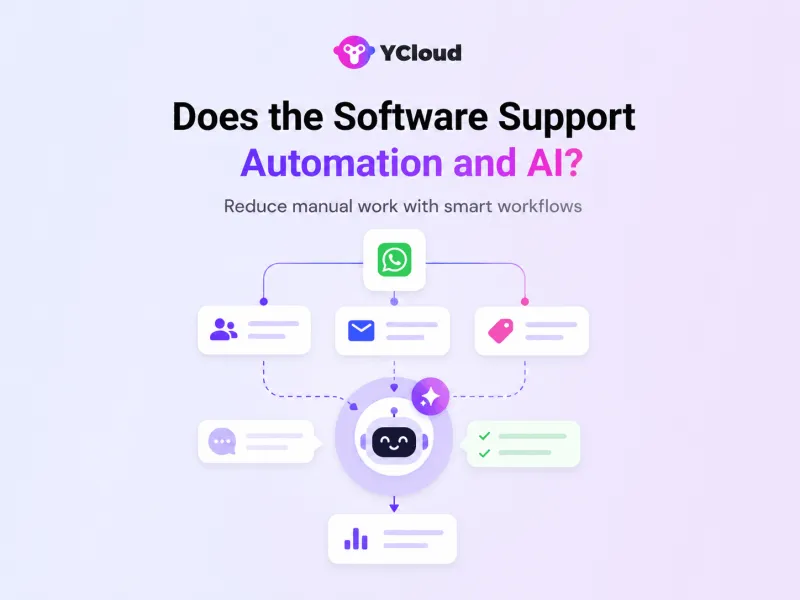
A good WhatsApp marketing software should also help you automate replies, follow-ups, lead qualification, cart recovery, support queries, and customer journeys.
Before you sign up, check if the platform supports:
- Automated welcome messages
- Abandoned cart recovery
- Order, payment, and delivery updates
- Lead qualification flows
- Chatbots and AI Agents
- Auto-replies for common questions
- Smart routing to the right team or agent
- Follow-up journeys based on user actions
This is important because manual WhatsApp marketing becomes difficult once your campaign volume and customer conversations grow.
YCloud helps businesses automate WhatsApp workflows with AI Agents, smart customer journeys, chatbots, and automated follow-ups, so teams can save time and respond faster without losing the human touch.
Before choosing any tool, ask one simple question: can this software reduce manual work as your business scales?
Next, let’s check whether the software connects with your existing business tools.
5. Does It Connect With Your Existing Business Tools?
A WhatsApp marketing software should not work in isolation.
It should connect with the tools your business already uses, such as your CRM, eCommerce store, payment system, helpdesk, spreadsheets, or automation tools.
For example, if you use Shopify, your WhatsApp software should help you send cart recovery messages, order confirmations, delivery updates, and customer follow-ups without doing everything manually.
Before choosing a platform, check if it supports integrations for:
- CRM tools
- eCommerce platforms
- Payment systems
- Customer support tools
- Lead capture forms
- Google Sheets
- Webhooks and API connections
- Automation tools like Zapier
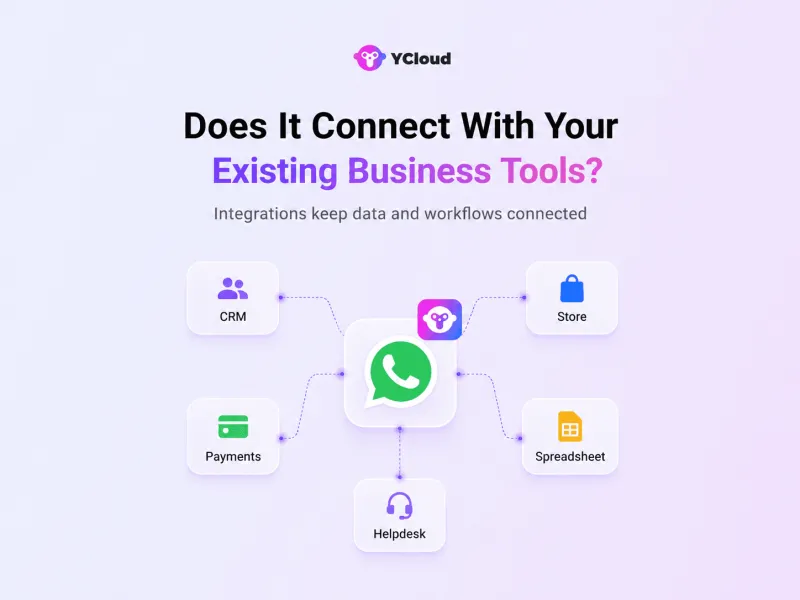
YCloud helps businesses connect WhatsApp with their existing workflows, so teams can automate campaigns, sync customer data, trigger messages, and manage conversations without switching between multiple tools.
If the software cannot connect with your current tech stack, your team may end up doing more manual work instead of saving time.
Next, let’s check if the product is simple and user-friendly for your team.
6. Check If the Software is Easy for Your Team to Use
Your marketing, sales, and support teams should be able to create campaigns, manage chats, build automations, check reports, and handle templates without depending on developers every time.
Before choosing a platform, check:
- Is the dashboard clean and easy to understand?
- Can your team create campaigns without technical help?
- Is the shared inbox simple for agents to use?
- Can users manage templates, contacts, and reports easily?
- Does the platform reduce work or add more steps?
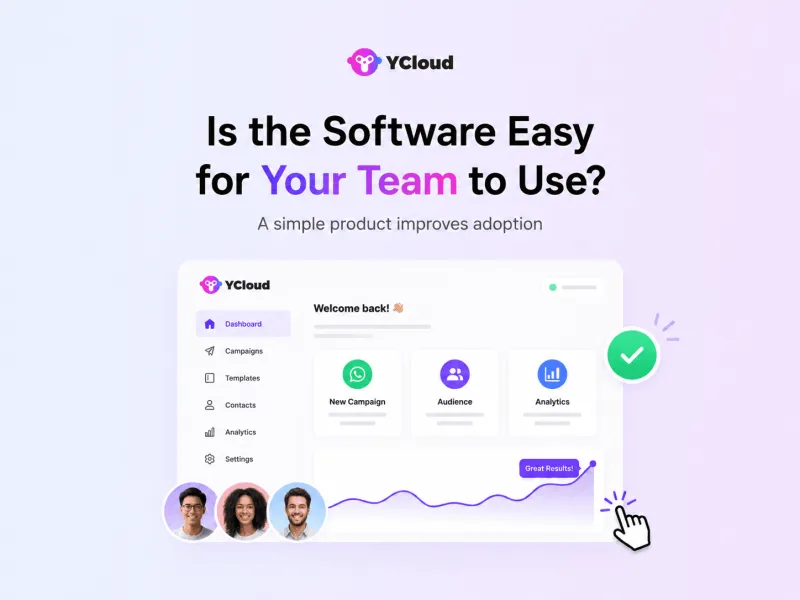
A user-friendly product saves training time, improves team adoption, and helps you move faster.
YCloud is built to keep WhatsApp marketing, automation, inbox, AI Agents, templates, and reporting easy to manage from one place.
Next, let’s check whether the software follows compliance and data security standards.
7. Does It Follow Meta Policies and Protect Customer Data?
WhatsApp marketing is not just about sending messages. It also involves customer data, consent, templates, and Meta’s messaging rules.
Before choosing any WhatsApp marketing software, check if it helps you stay compliant.
Look for:
- Official WhatsApp Business API such as YCloud
- Opt-in and consent management
- Message template approval support
- Compliance with Meta’s messaging policies
- Secure handling of customer data
- Role-based access for team members
- Clear data privacy and security practices
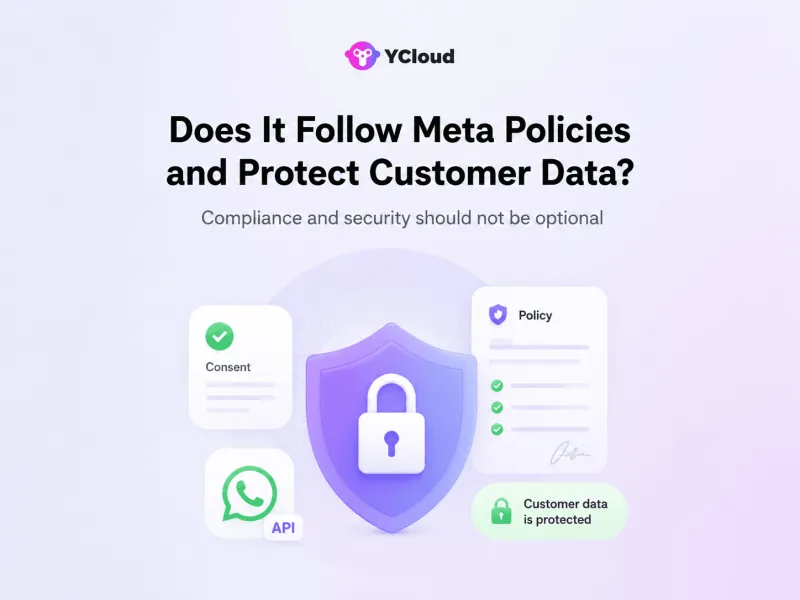
This is important because poor compliance can lead to template rejections, lower quality ratings, message restrictions, or even number-block issues.
A good WhatsApp marketing software should help you market responsibly, not put your business at risk.
YCloud helps businesses use WhatsApp marketing with proper template management, secure workflows, and policy-friendly messaging practices.
Next, let’s check whether the vendor has real WhatsApp expertise and market credibility.
8. Is the Vendor Trusted and Experienced?
Do not choose WhatsApp marketing software only by looking at features.
Also check who is behind the product.
A trusted vendor should understand WhatsApp Business Platform rules, Meta policies, template approvals, messaging limits, quality ratings, onboarding, and scaling issues.
Before you sign up, check:
- Is the vendor an official WhatsApp Business Solution Provider?
- Do they have real customer reviews?
- Do they work with businesses similar to yours?
- Do they offer WhatsApp-specific expertise, not just generic messaging tools?
- Do they provide support for setup, templates, verification, and scaling?
- Is their pricing and product information clear?
This matters because WhatsApp marketing is not like email marketing. One wrong setup, poor template practice, or policy mistake can affect your message delivery and number quality.
YCloud is an official WhatsApp Business Solution Provider built for businesses that want to run WhatsApp marketing, sales, support, automation, and AI-powered customer journeys from one platform.
Next, let’s check the pricing carefully, including hidden costs, messaging markups, and setup fees.
9. Is the Pricing Clear and Transparent?
Pricing can make or break your WhatsApp marketing software decision.
Before you sign up, check the full cost, not just the monthly plan.
Look for:
- Monthly platform fee
- WhatsApp message charges
- Any markup on Meta messaging fees
- Setup or onboarding charges
- Licensing fees
- Extra charges for users or agents
- Limits on broadcasts, contacts, templates, or automation
- Charges for integrations, API access, or support
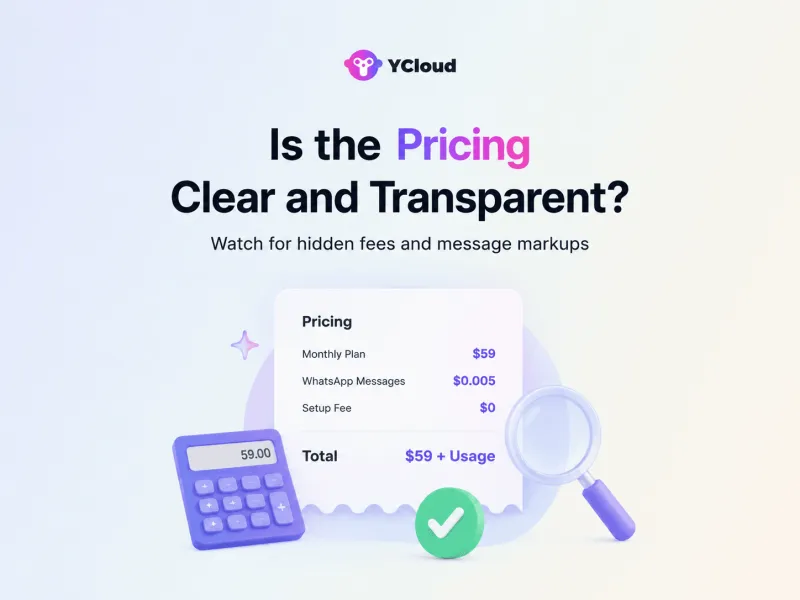
This is important because some platforms look affordable at first but become expensive once you start scaling campaigns, adding users, or sending more messages.
Always ask for a clear pricing breakdown before you commit.
YCloud keeps pricing transparent with no markup on WhatsApp messaging charges, so businesses can scale WhatsApp marketing without unnecessary extra costs.
Next, let’s see why booking a demo is important before making the final decision.
10. Book a Demo to Discuss in Detail
Before choosing any WhatsApp marketing software, book a demo.
A demo helps you see how the platform actually works, not just what the website claims.
During the demo, check:
- How campaigns are created
- How the shared inbox works
- How automation and AI Agents are set up
- How templates are managed
- How reports and analytics look
- How integrations work with your tools
- How easy it is for your team to use
This is also the right time to ask about pricing, setup time, support, messaging limits, compliance, and any hidden charges.
If the product looks good on paper but feels difficult during the demo, that is a warning sign.
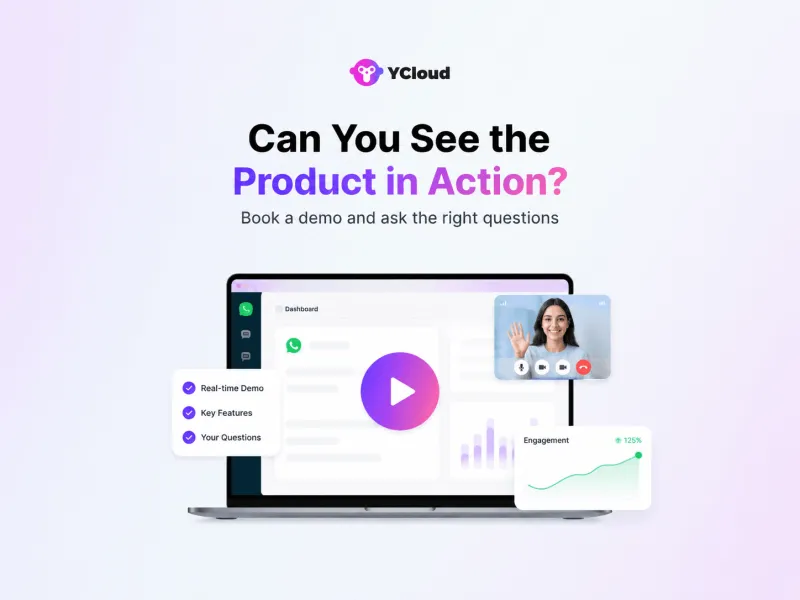
You can also book a YCloud demo to see how WhatsApp campaigns, automation, AI Agents, shared inbox, templates, and reporting work from one platform.
Next, let’s see why you should test the software before making a final commitment.
11. Test (Free Trial) Before You Commit
A demo shows how the product works. A free trial shows how it works for your team.
Before signing up, test the software with real use cases.
Try creating a campaign, uploading contacts, managing templates, using the shared inbox, building a simple automation, and checking reports.
During the trial, check:
- Is the platform easy to use?
- Can your team create campaigns without help?
- Are templates, contacts, and reports easy to manage?
- Does automation work the way you expected?
- Does support respond when you need help?
- Are there any limits hidden behind the free trial?
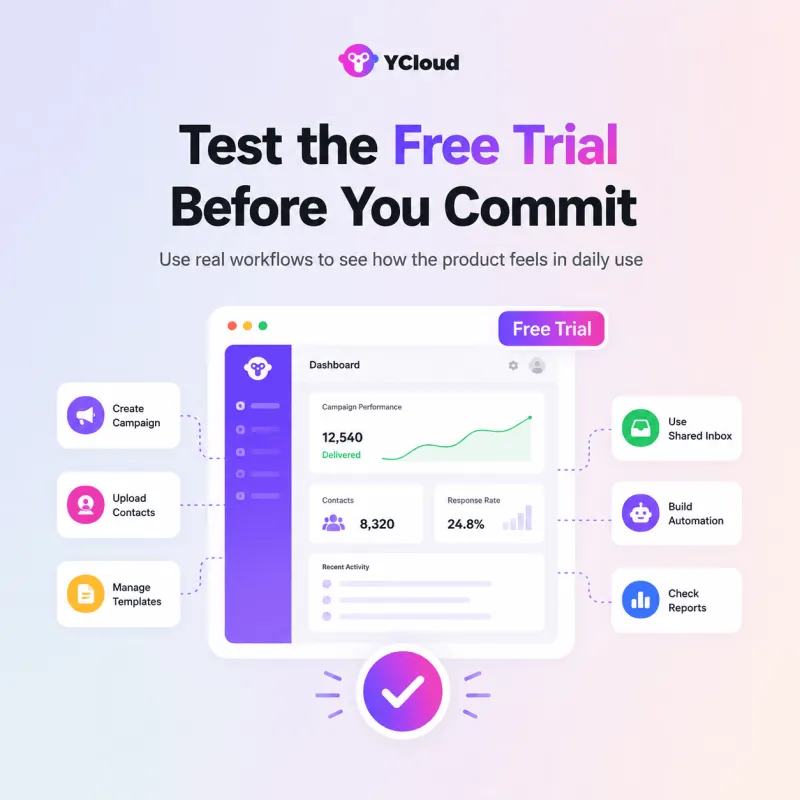
A free trial helps you avoid choosing software that looks good in a demo but feels difficult in daily use.
With YCloud's FOREVER FREE PLAN you get:
- 1 User account
- 2 Channels
- 500K Generative AI credits
- 1K Translation characters
- System roles only
- 6 months for chat data storage
Next, let’s check why implementation should not be ignored after choosing the software.
12. Will They Help With Setup and Implementation?
Choosing the software is one part. Getting it implemented properly is another.
Do not ignore onboarding, setup, and implementation support.
A good WhatsApp marketing software provider should help you with account setup, phone number onboarding, template creation, campaign setup, automation flows, team training, and basic integrations.
This matters because the first few weeks can decide how smoothly your team adopts the platform.
Before you commit, ask:
- How long does setup usually take?
- Will they help with WhatsApp API onboarding?
- Do they support template setup and approval?
- Will they guide your team on campaigns and automation?
- Do they help with CRM or eCommerce integrations?
- Is onboarding included or charged separately?
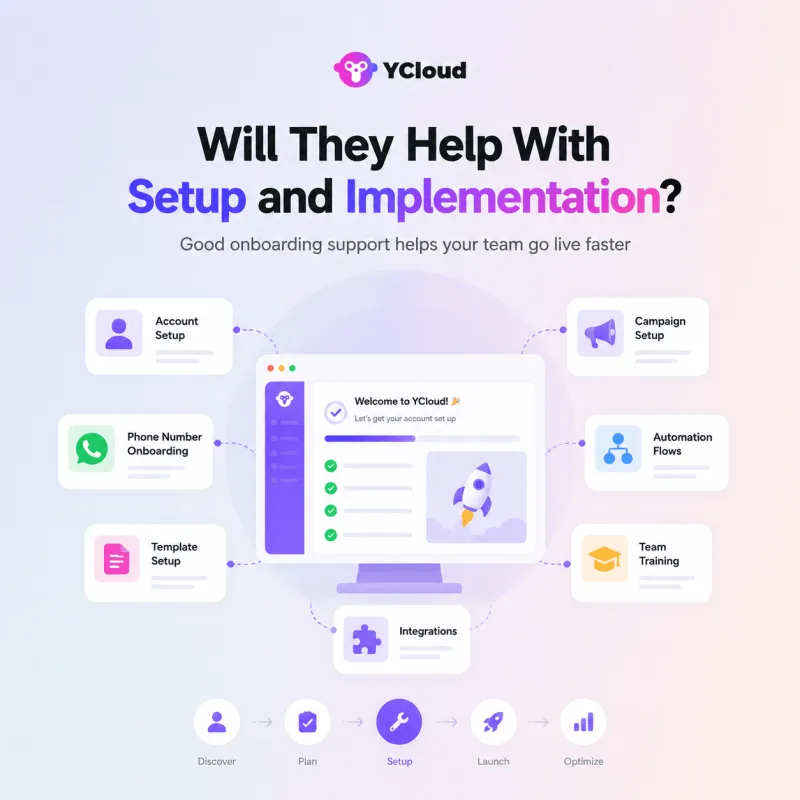
YCloud helps businesses get started faster with guided onboarding, WhatsApp setup support, automation guidance, and platform training, so teams do not feel lost after signing up.
A good product should not just sell you software. It should help you go live properly.
Next, let’s check whether the vendor offers reliable customer support after implementation.
13. Enquire and Check their Customer Service
Customer support is not a small detail when choosing WhatsApp marketing software.
You may need help with onboarding, template rejections, campaign setup, automation issues, number quality, integrations, billing, or Meta policy questions.
Before you sign up, check how support actually works.
Ask:
- Do they offer live chat, WhatsApp, call, or meeting support?
- How fast do they usually respond?
- Do they help with template approval issues?
- Can they guide your team during setup?
- Do they understand WhatsApp Business Platform rules?
- Is support included in the plan or charged separately?
Avoid choosing a platform where support is limited, slow, or only available through long email threads.
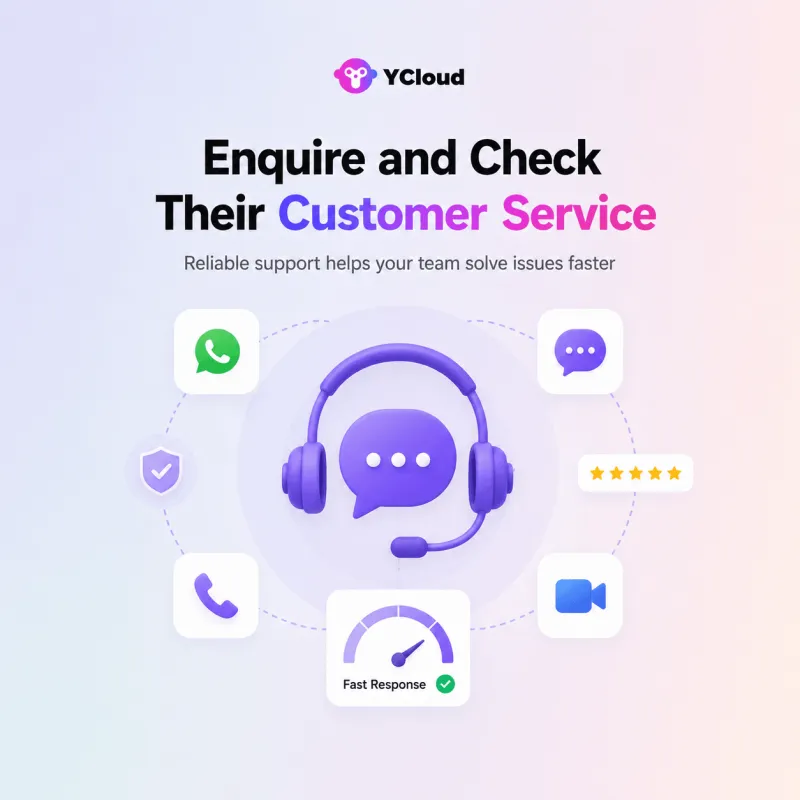
YCloud supports businesses with WhatsApp setup, campaign guidance, automation support, templates, and scaling help, so teams can move faster without getting stuck.
Next, let’s see how YCloud helps businesses scale WhatsApp marketing, sales, support, and automation from one platform.
Scale WhatsApp Marketing Faster with YCloud
Choosing the right WhatsApp marketing software becomes easier when you know what to check.
But if you want a platform built for WhatsApp marketing, sales, support, and automation, YCloud is worth adding to your shortlist.
With YCloud, businesses can:
- Send WhatsApp campaigns and broadcasts
- Manage customer chats from a shared inbox
- Build automated journeys and follow-ups
- Use AI Agents to handle queries and qualify leads
- Create and manage message templates via AI-Template generator
- Connect WhatsApp with CRM, eCommerce, and business tools
- Track campaign and conversation performance
- Get support for setup, scaling, and daily usage
YCloud also offers transparent pricing with no markup on WhatsApp messaging charges, helping businesses scale without unnecessary extra costs.
So, if you want WhatsApp marketing software that is easy to use, automation-ready, and built for business growth, YCloud can help you get started faster.
Next, let’s wrap up the key points before you make the final decision.
Wrapping Up!
Choosing the best software for WhatsApp marketing is not about picking the most popular tool.
It is about choosing a platform that fits your goals, supports your team, scales with your business, and keeps pricing, compliance, support, and implementation clear from day one.
Before you sign up, check the features, automation, integrations, ease of use, security, vendor expertise, pricing, demo, free trial, and onboarding support.
The right software will help you run better campaigns, manage conversations faster, automate key workflows, and avoid costly mistakes later.
Frequently Asked Questions
What is WhatsApp marketing software?
WhatsApp marketing software helps businesses send campaigns, manage customer chats, automate replies, create message templates, and track WhatsApp marketing performance from one platform.
Which is the best WhatsApp marketing software?
The best WhatsApp marketing software is the one that is official, easy to use, secure, transparent in pricing, and supports key features like broadcasts, automation, shared inbox, templates, integrations, analytics, and customer support.
How do I choose the best software for WhatsApp marketing?
Start with your business goals. Then check features, automation, AI capabilities, integrations, ease of use, compliance, vendor reputation, pricing, demo, free trial, implementation support, and customer service.
Why should I choose official WhatsApp marketing software?
Official WhatsApp marketing software is safer because it follows Meta’s policies and uses approved WhatsApp Business Platform access. Unofficial tools can put your number, delivery quality, and customer trust at risk.
Can WhatsApp marketing software send bulk messages?
Yes, WhatsApp marketing software can send bulk campaigns to opted-in users using approved message templates. Businesses must follow Meta’s opt-in, template, and messaging policy rules.
What features should WhatsApp marketing software have?
It should include broadcasts, shared inbox, automation, AI Agents or chatbots, customer segmentation, CRM/eCommerce integrations, analytics, team controls, and compliance support.
Can WhatsApp marketing software automate sales and support?
Yes. Good WhatsApp marketing software can automate lead follow-ups, abandoned cart recovery, order updates, FAQs, customer support flows, and routing to the right team or agent.
How much does WhatsApp marketing software cost?
The cost usually includes the platform fee and WhatsApp messaging charges. Before signing up, check for hidden costs, setup fees, user limits, messaging markups, integration charges, and support fees.
Should I take a demo before choosing WhatsApp marketing software?
Yes. A demo helps you see how the product works in real use cases, including campaigns, automation, inbox, templates, reports, integrations, and support.
Related Articles

Make your business communications much easier!


Trusted by




